Music Home
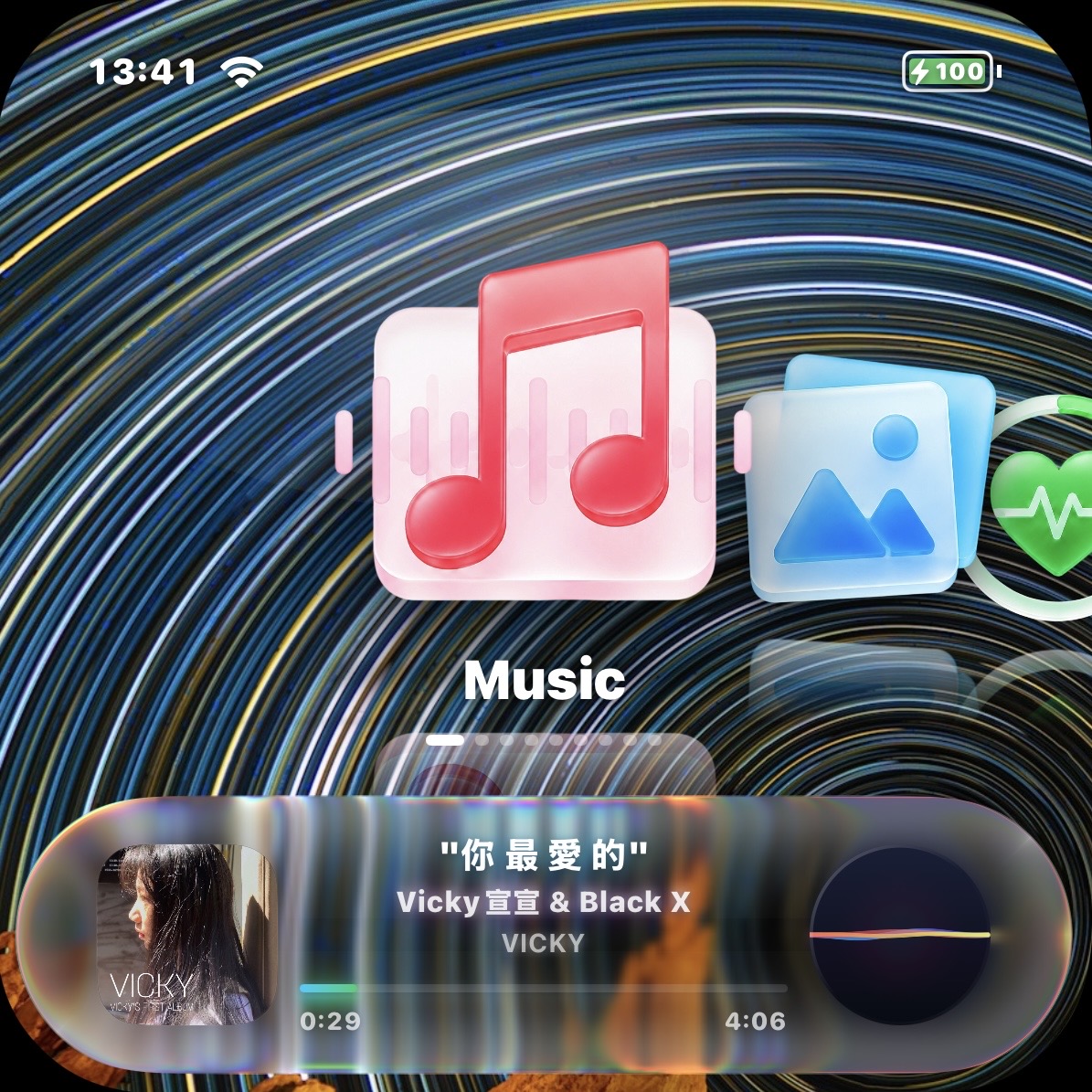
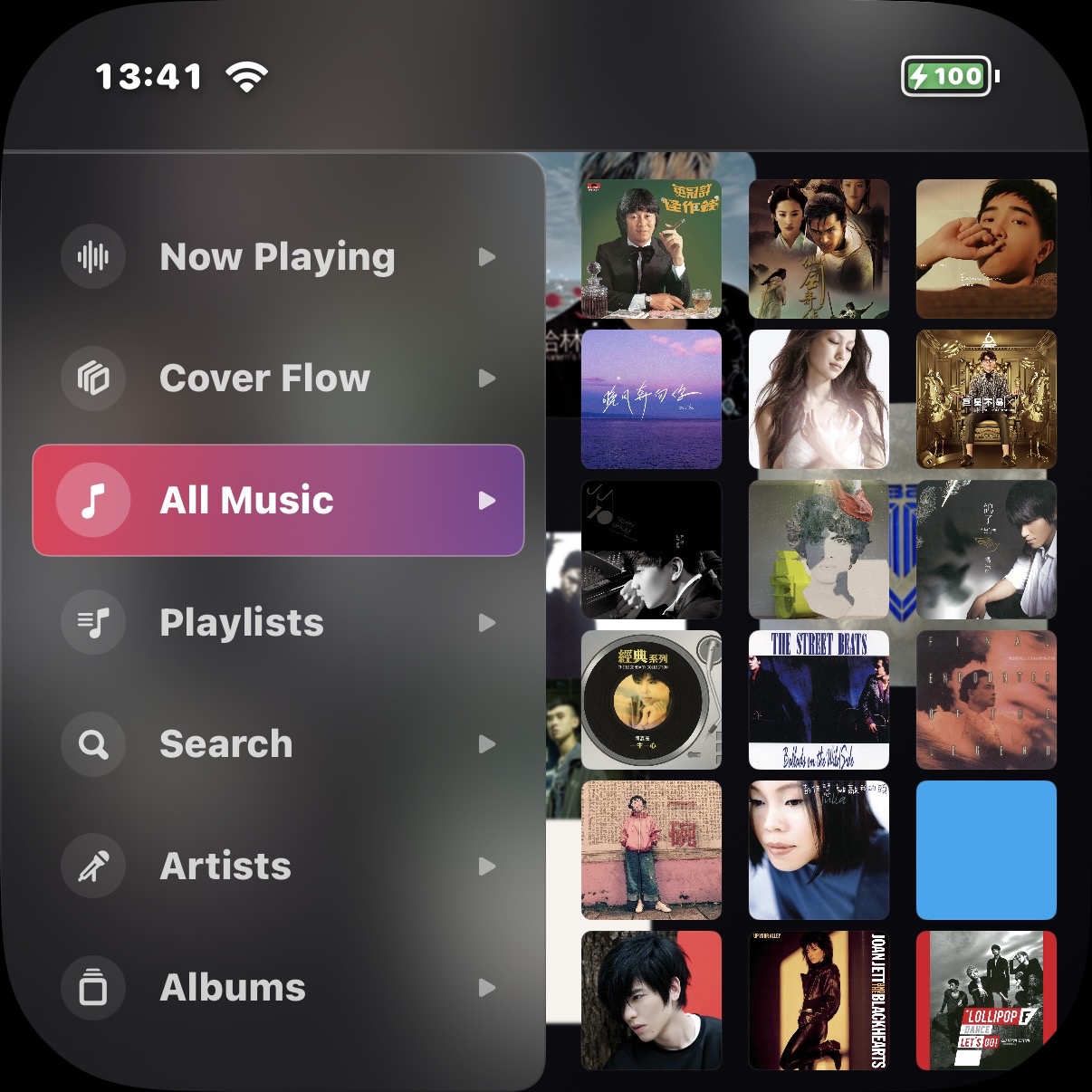
UltraPod turns Apple Music, workouts, reading, capture, and local tools into a calmer iOS companion. It can also give your old phone a second life as your dedicated player.
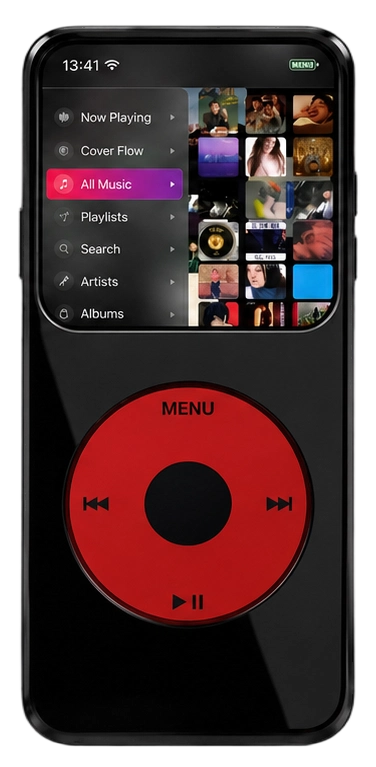
UltraPod keeps the interface focused on chosen tasks: music, reading, workouts, capture, and personal context without turning every moment into a feed.
UltraPod does not require a proprietary account, does not include ads, and does not upload app data to developer-operated servers.
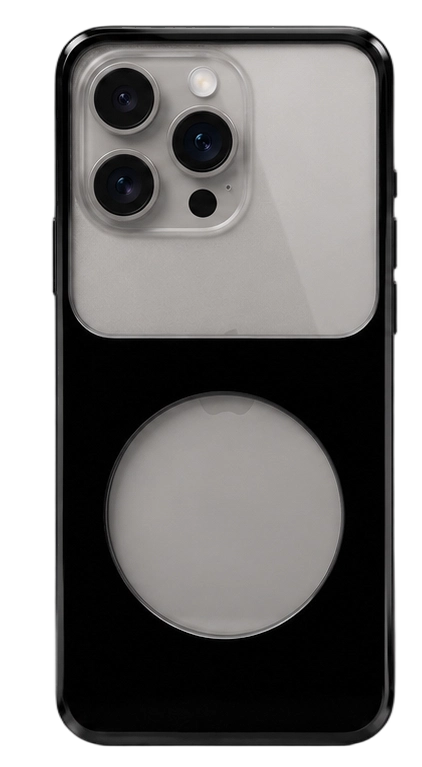
Revive your old phone as your player: not because the hardware becomes new, but because a smaller role can make it useful again.
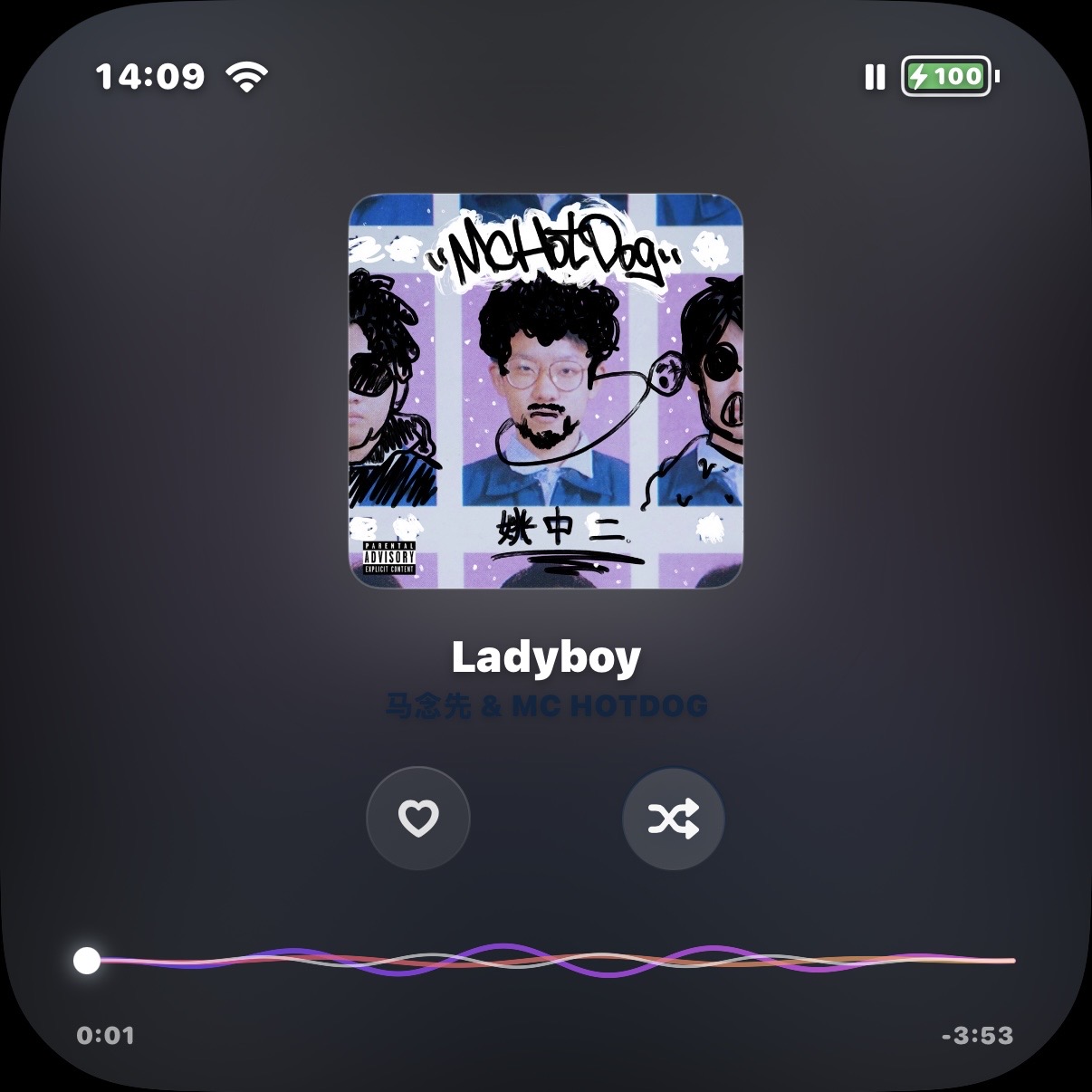
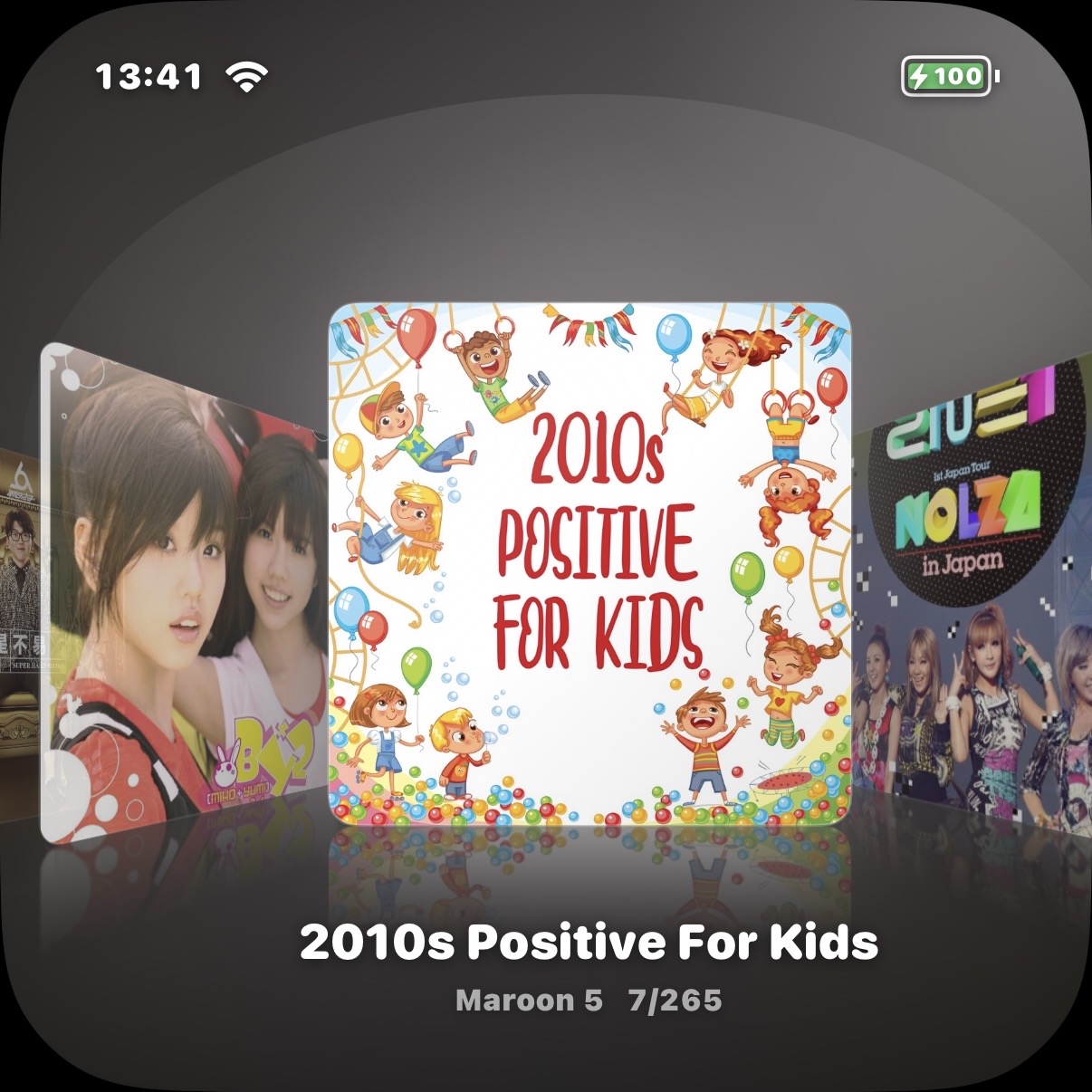
No algorithmic recommendations, no feeds. Just the library you choose, Apple Music authorization when needed, and private listening without extra noise.
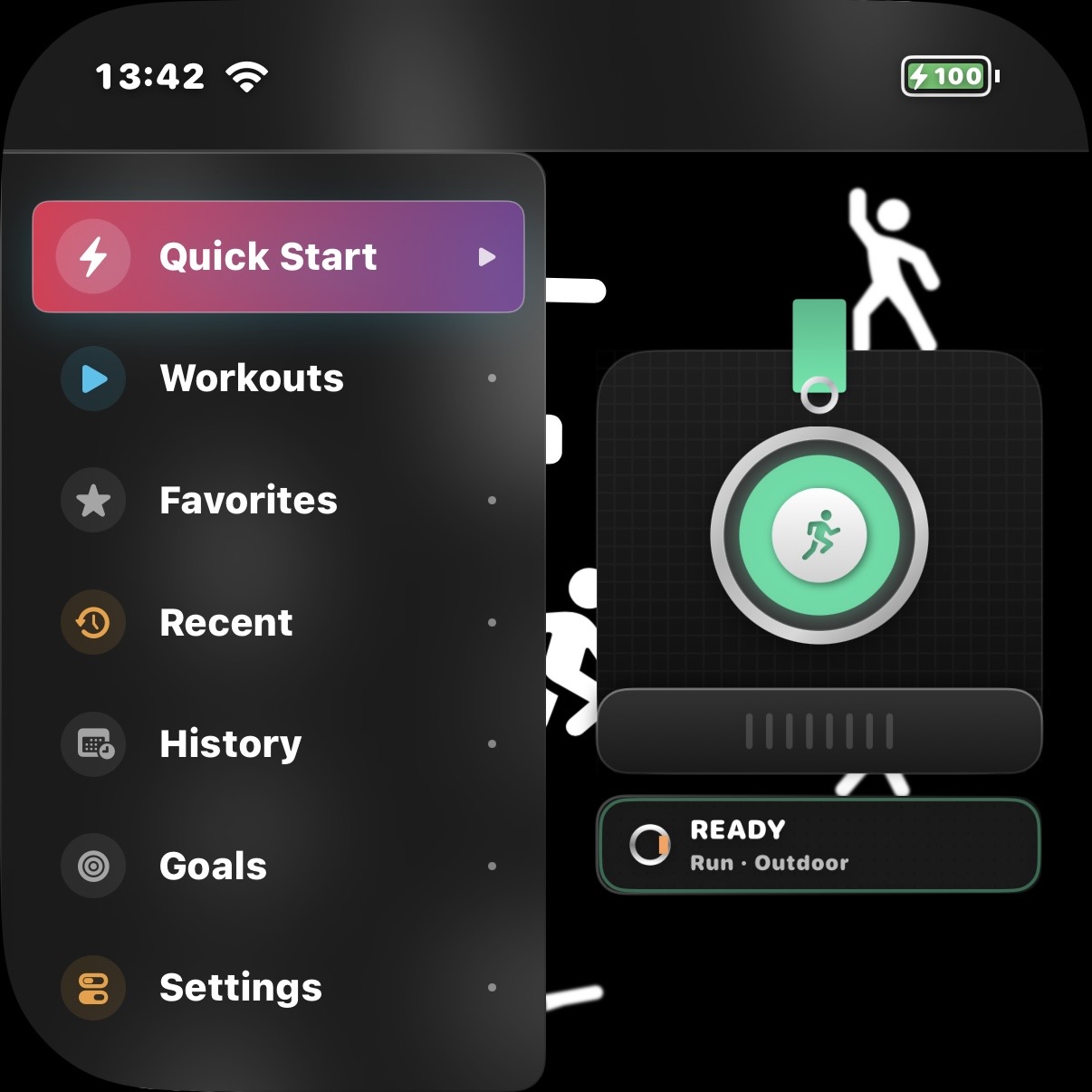
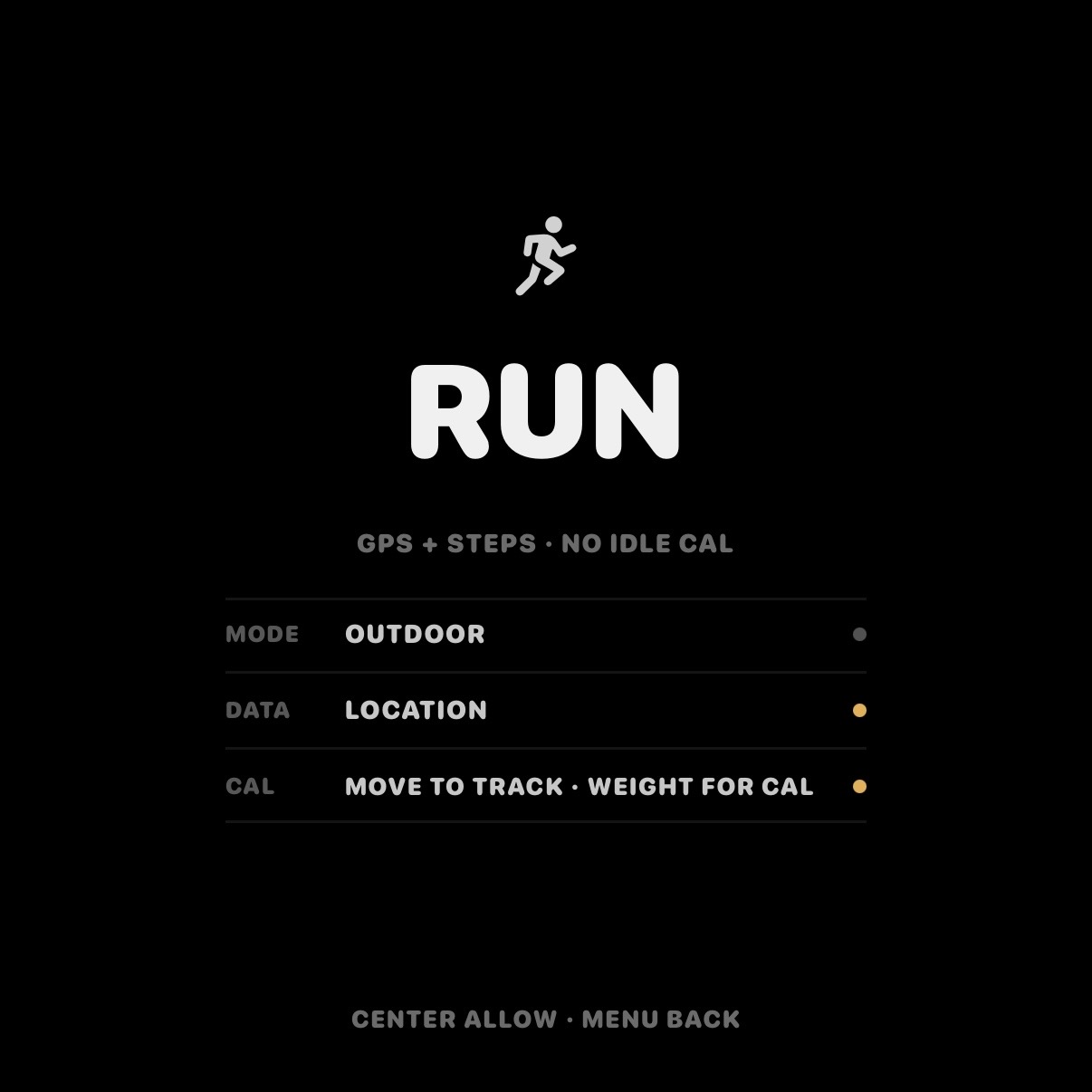
Connect with HealthKit for movement, heart rate, and route context. Keep the rhythm without leaderboards, inboxes, or social pressure.
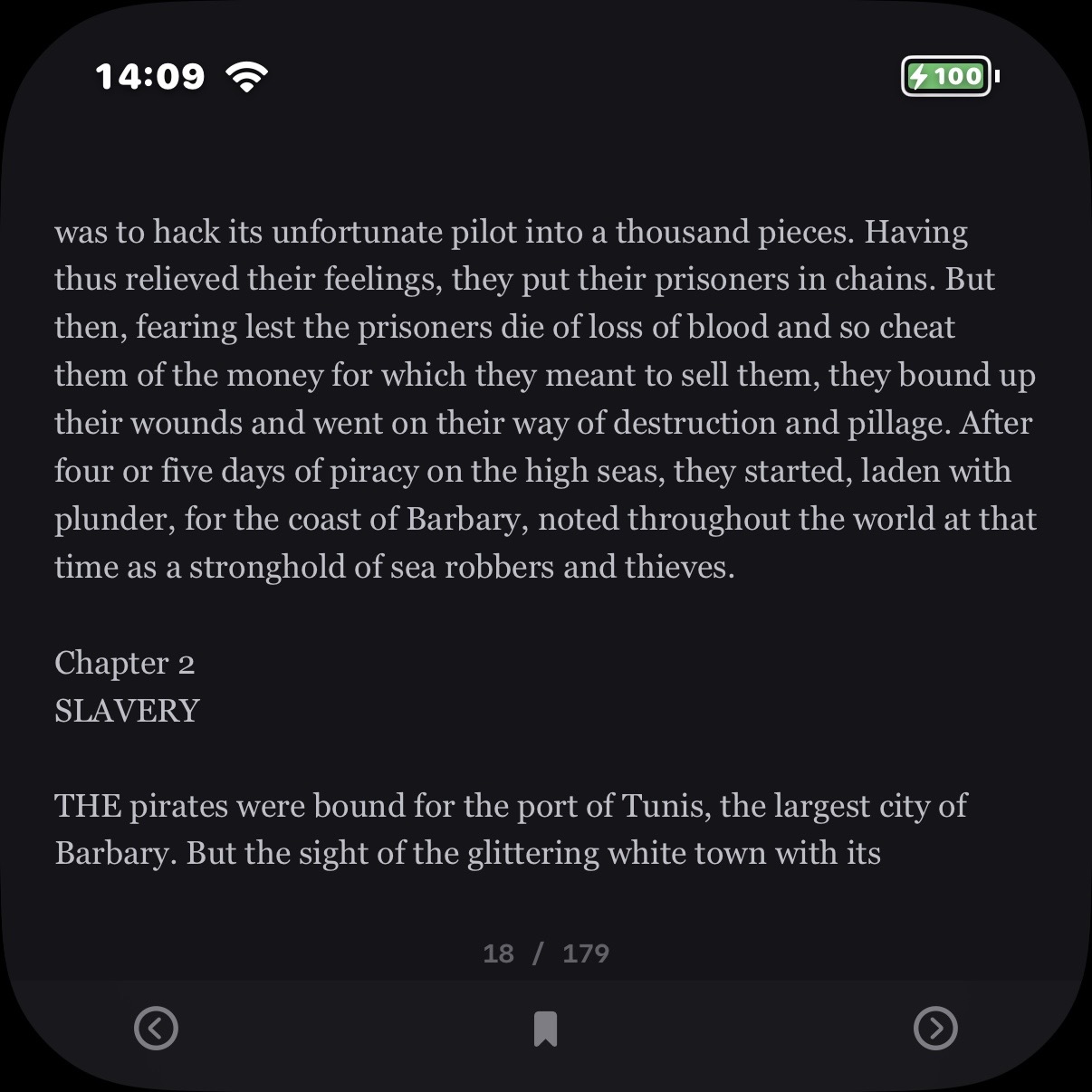
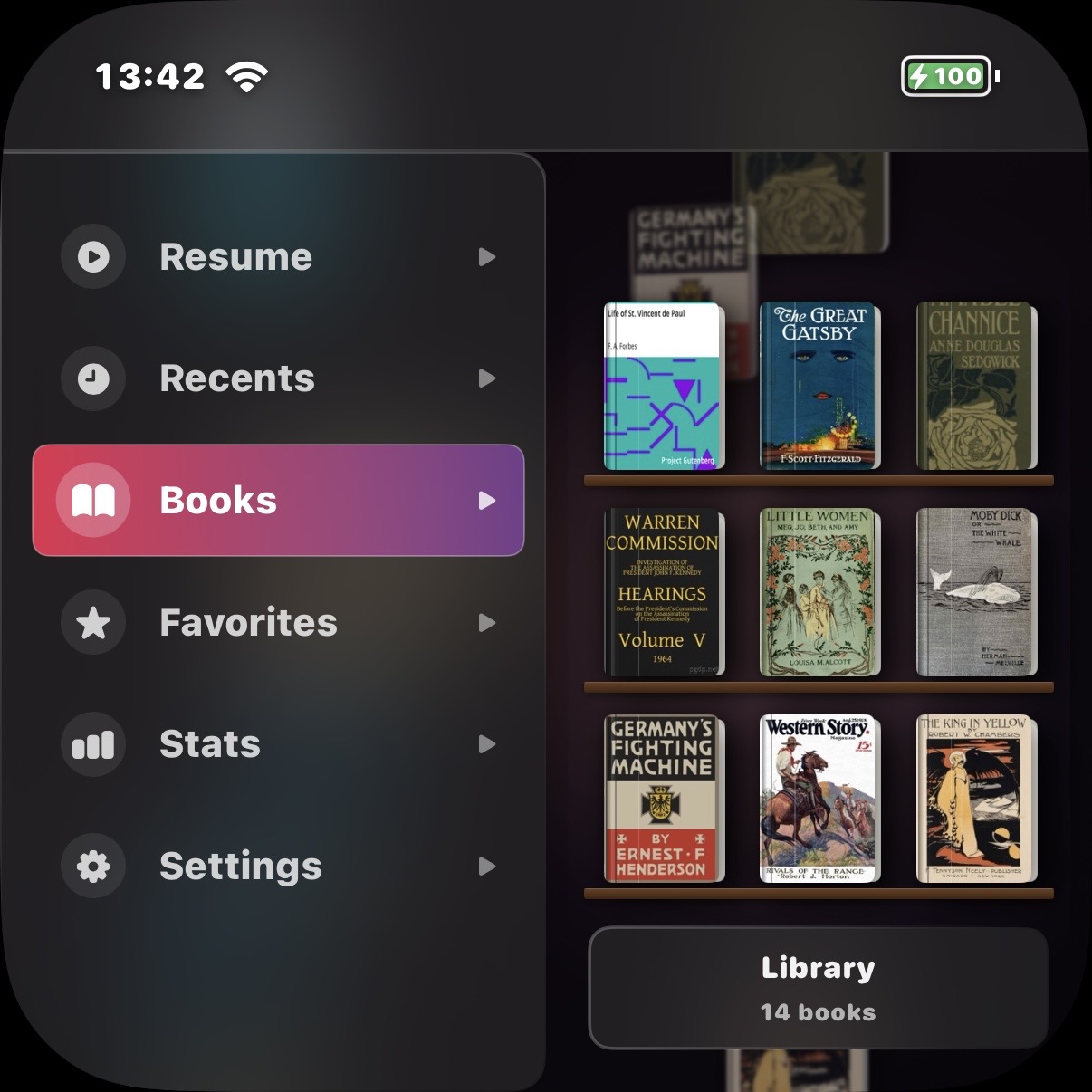
Import local books into a calm reader, save progress quietly, and keep the screen focused on typography instead of notification badges.
Camera, notes, calendar, reminders, and voice memos stay available when needed without turning the interface into a dopamine loop.
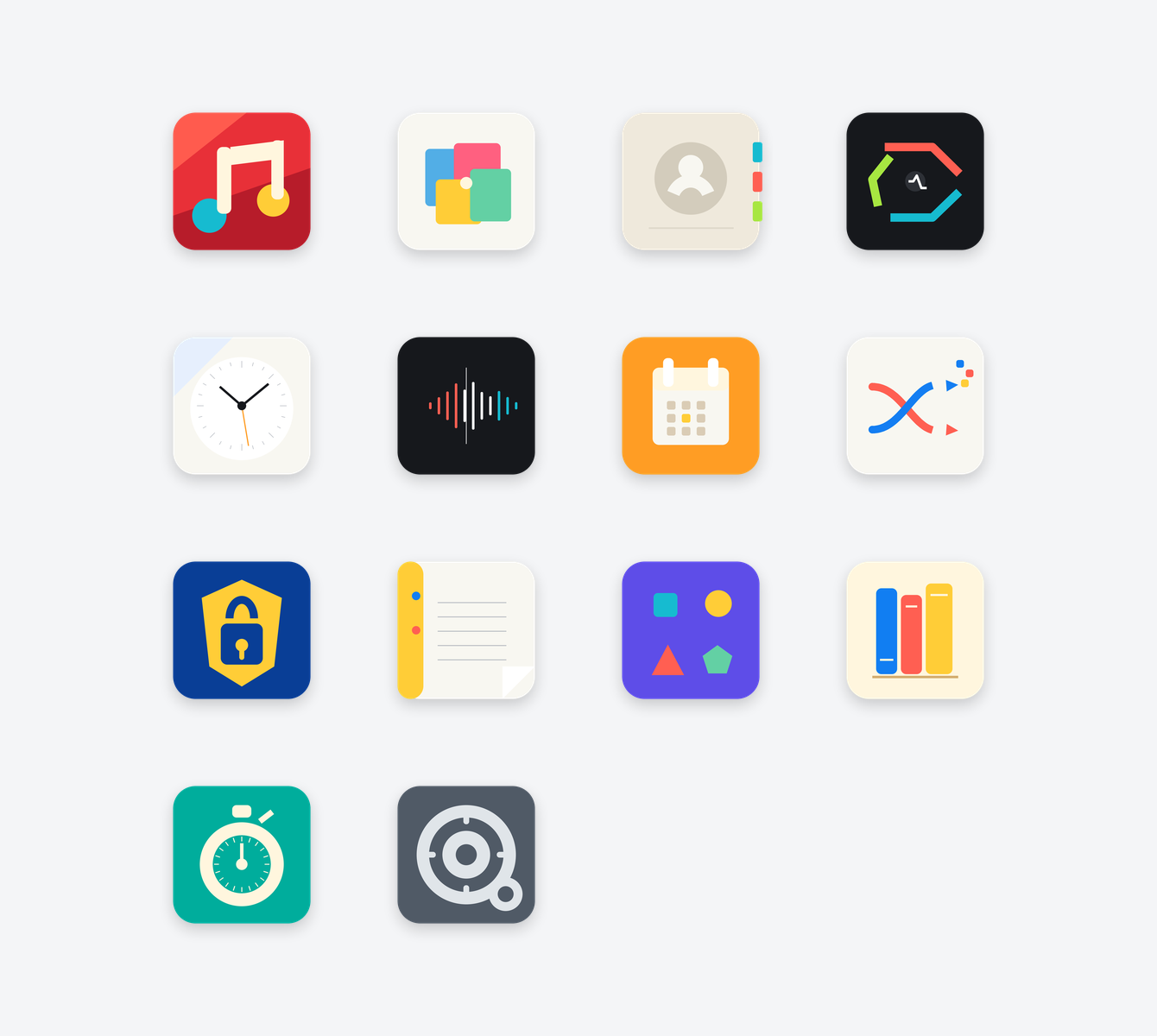
Music stays central. Reading, workouts, and capture stay close enough to be useful, but never loud enough to take over.
UltraPod is not a carbon-offset claim. It is a practical design position: extend the useful life of capable hardware by giving it a smaller, calmer role.
Reuse the screen, storage, speakers, sensors, and battery already manufactured.
Separate listening from the primary phone so music stops competing with messages and feeds.
Keep the claim honest: longer use is valuable, but it still depends on device condition, iOS support, and battery health.
No. UltraPod does not require a proprietary account or social login. Apple Music authorization is handled by MusicKit when you choose to use music features.
UltraPod does not upload contacts, calendars, reminders, photos, voice memos, notes, books, workouts, health data, or location to developer-operated servers. Support email is sent only when you choose to send it.
No. The phone still needs to run the required iOS version and Apple frameworks. The reuse idea is practical, not a guarantee for every unsupported device.